RT integration via wizard
Note
This article refers to the legacy FraudScore interface. See more details here.
To start setting the integration - go to "Add Integration" tab:
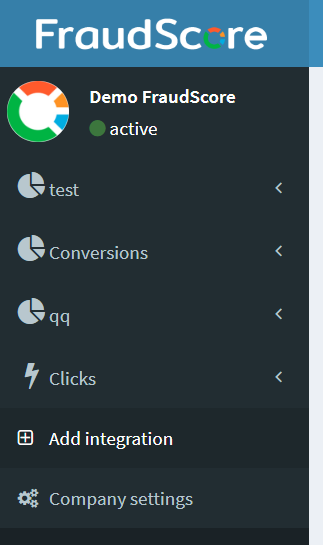
Note
You can also go to Company settings and then to the Integrations tab there.
Then, you see the Integration wizard:
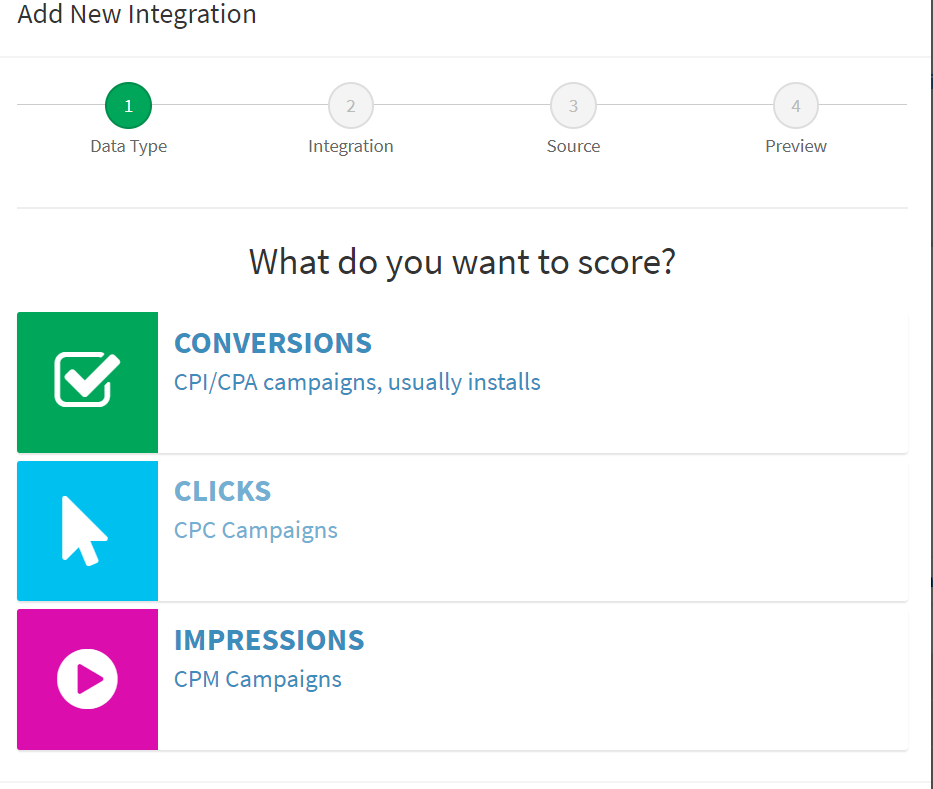
Step 1: Select what you are going to score - Impressions or Clicks
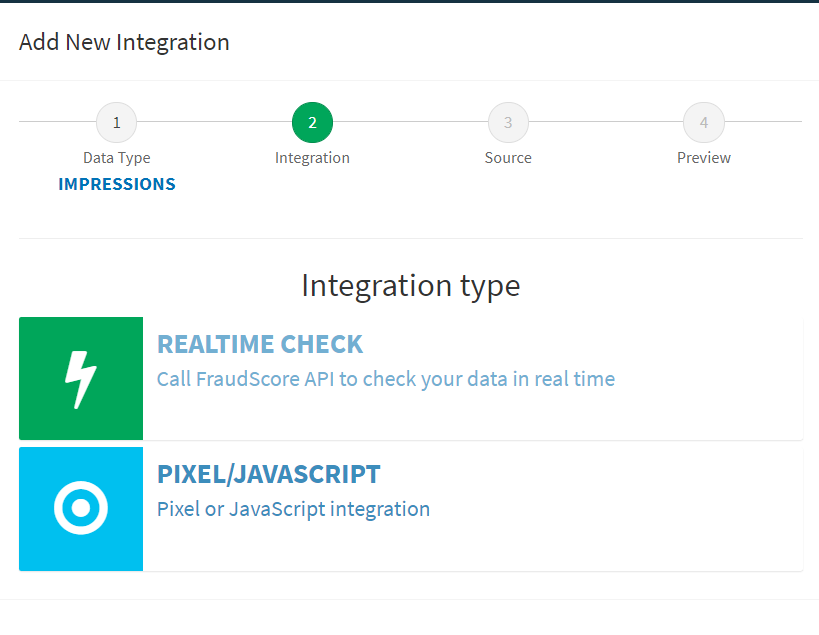
Step 2: Select Realtime check to set the integration
Step 3: Give the name to your integration. The name will be used in your FraudScore report to help you find it among other integrations, if you have it:
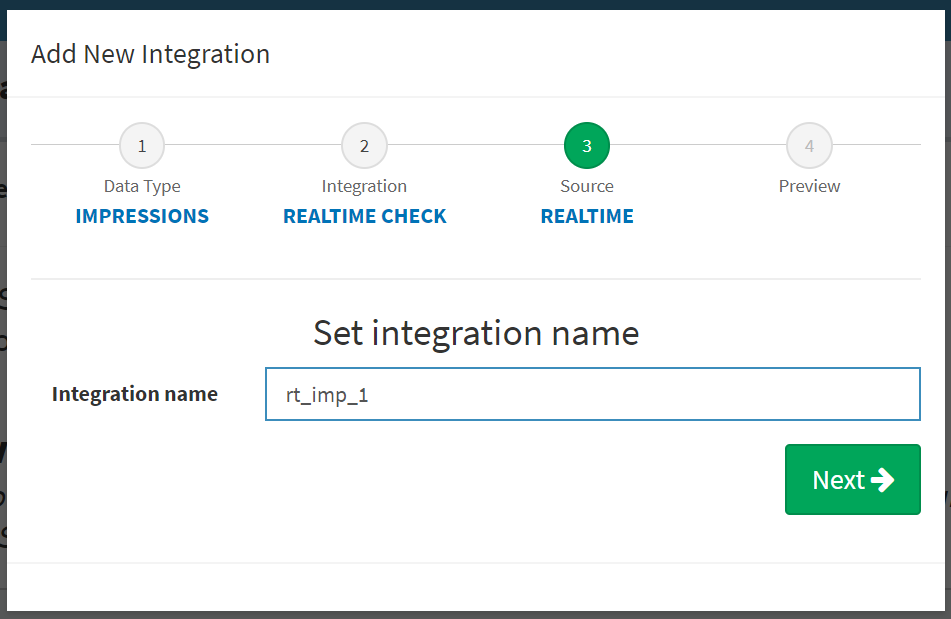
Step 4: Check the details and click Create Integration if everything is ok.
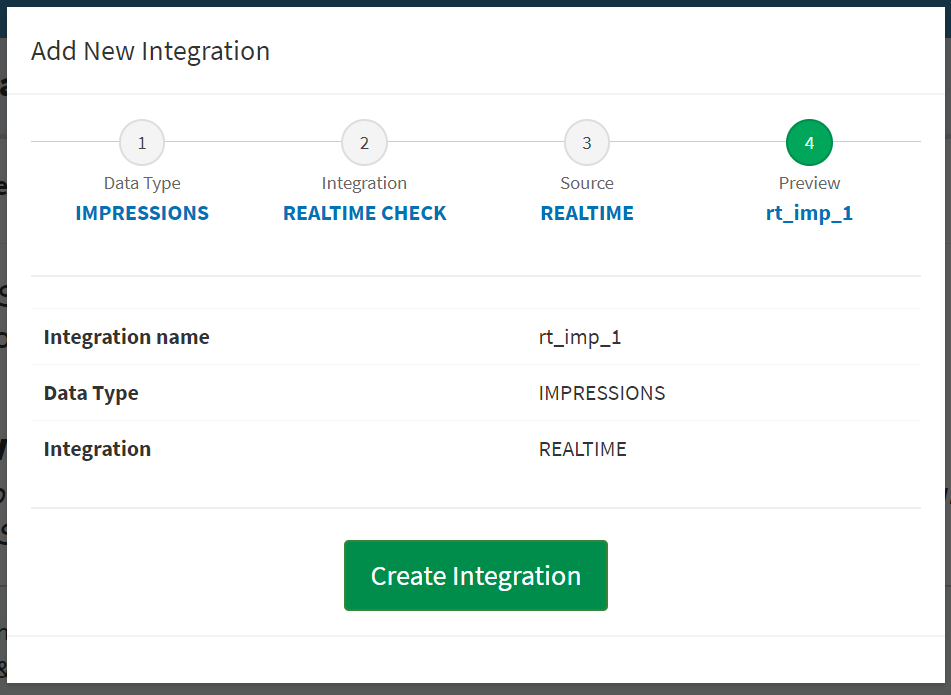
If you want to make changes - click the needed step in the progress bar at the top.
Note
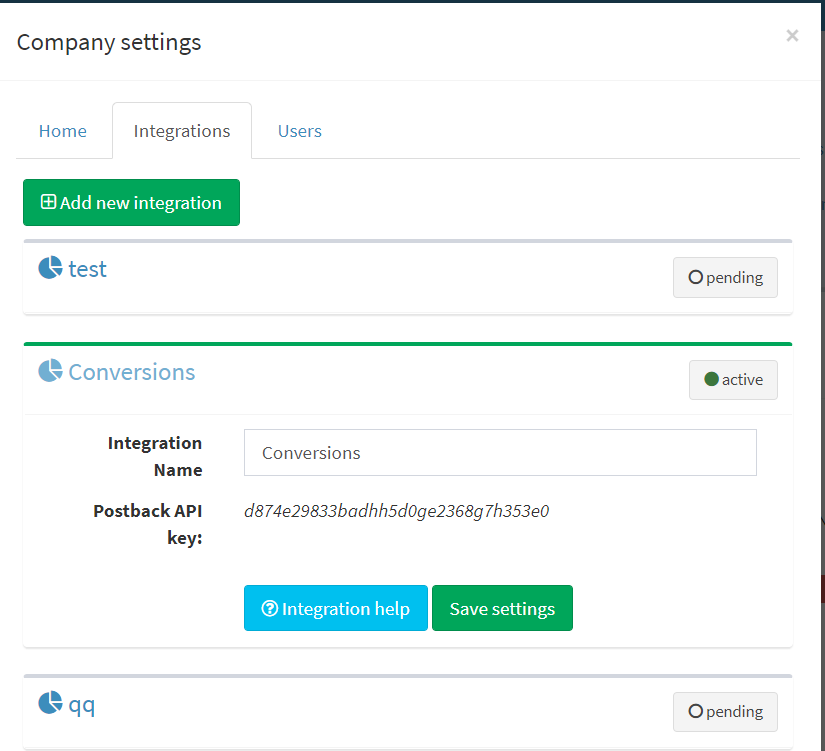
If you want to check the status of your integration or rename it or make changes - go to Company Settings -> Integrations:
aug 6, 2026